Install Docker on MAC
Installing Docker on mac
for mac, when installing docker Desktop, the CLI automatically comes with it. There are two ways to install it.
Official Docker Site
This is very simple, you can head over to the official docker site (https://docs.docker.com/desktop/setup/install/mac-install/) and follow the steps there (Install the DMG).
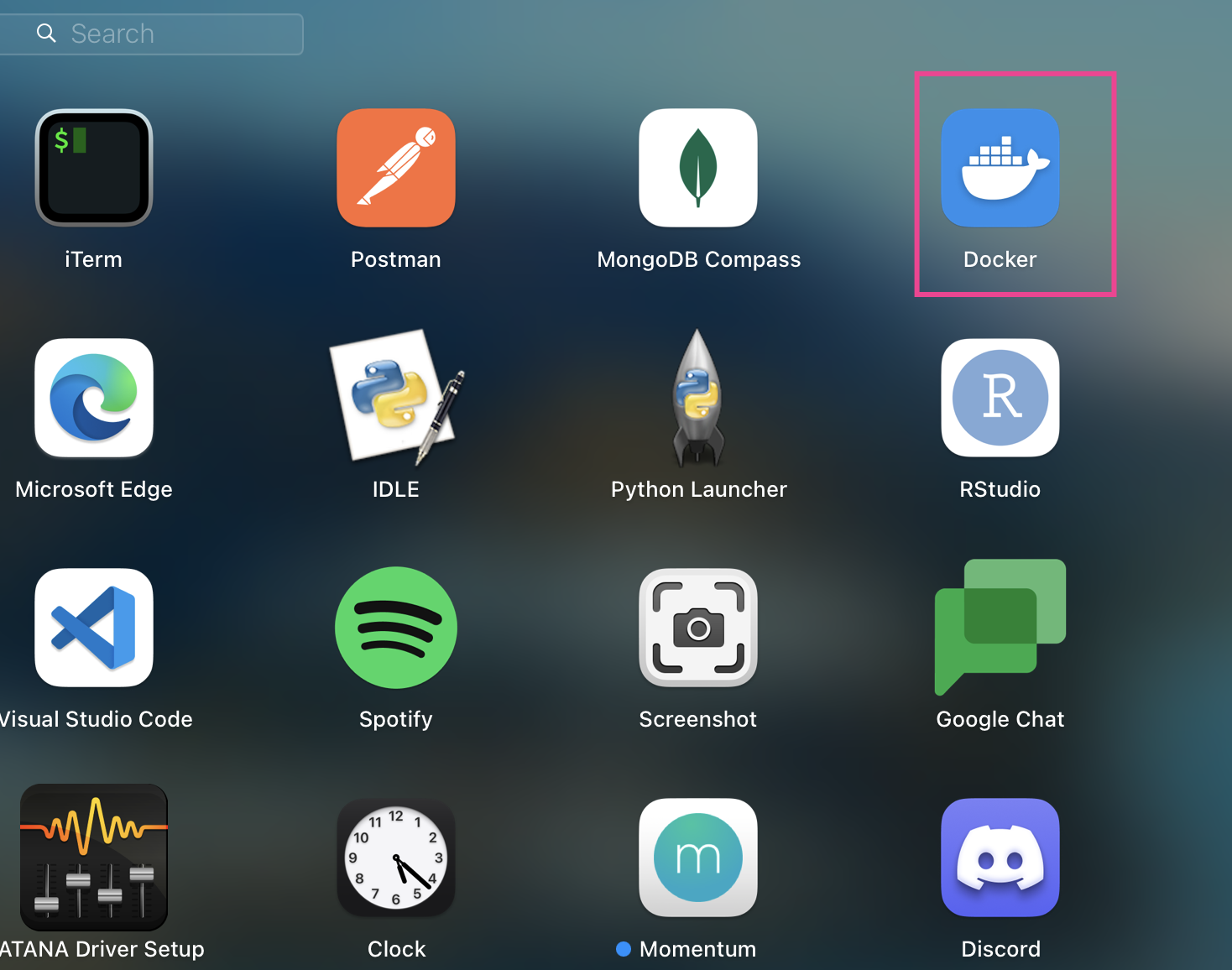
The instructions are relatively simple. Once installed, you should have the app that looks like this
Homebrew
This is even more simple, with one command, you can install it, head over to the official site: https://formulae.brew.sh/formula/docker, and copy the command and paste it in your shell (terminal)
brew install docker , this will install docker through brew, although personally i prefer the standard way through the docker site.